Best Invoice and Billing Software in Pakistan (2026)
Managing business finances becomes increasingly difficult as a company grows. From preparing invoices and tracking payments to managing customer records, taxes and outstanding balances, manual billing can consume valuable time and create unnecessary errors.
For businesses in Pakistan, modern invoice and billing software offers a smarter way to manage daily financial operations. Instead of relying on spreadsheets, handwritten invoices or disconnected tools, businesses can use a centralised cloud-based platform to create invoices, manage customers, track payments and organise billing records.
Whether you operate a small business, consultancy, retail company, agency or service-based organisation, choosing the right invoicing solution can improve efficiency and give you better control over your finances.
In this guide, we explore the essential features of modern invoice and billing software, what Pakistani businesses should look for, and how cloud-based invoicing can simplify everyday business management.
What Is Invoice and Billing Software?
Invoice and billing software is a digital business solution that helps companies create, manage and track invoices, quotations, customer payments and financial records.
Rather than preparing invoices manually, businesses can use an online system to generate professional invoices, calculate totals, record payments and monitor outstanding balances.
Modern cloud-based invoicing platforms can also provide additional capabilities, including:
Customer and client management
Product and service management
Tax and discount calculations
Multi-currency invoicing
Estimates and quotations
Payment tracking
Invoice history and reporting
Customer portals
Digital invoice sharing
These features make invoice management easier, more organised and accessible from different devices.
Why Do Pakistani Businesses Need Online Billing Software?
Many businesses in Pakistan still manage their billing through Excel spreadsheets, Word documents or manual registers. Although these methods may work for a small number of transactions, they become difficult to manage as the business expands.
Here are some reasons why businesses are moving towards digital invoicing.
1. Save Time on Invoice Creation
Preparing invoices manually requires entering customer details, product information, prices, taxes and calculations repeatedly.
With invoicing software, businesses can save customer and product information and generate professional invoices much faster.
2. Reduce Billing Errors
Manual calculations and repeated data entry can lead to mistakes.
An automated billing system can calculate subtotals, discounts, applicable taxes and invoice totals, helping reduce common calculation errors.
3. Track Customer Payments
Knowing which customers have paid and which invoices remain outstanding is essential for maintaining healthy cash flow.
Invoice management software allows businesses to monitor payment statuses, review outstanding invoices and maintain organised payment records.
4. Keep Business Records Organised
Searching through spreadsheets, emails and paper documents can become frustrating.
A centralised invoicing platform keeps customer information, invoices, quotations and payment histories organised in one place.
5. Access Business Information Online
Cloud-based invoicing software allows authorised users to access business information through an internet-connected device, depending on their account permissions.
This is especially useful for business owners who work remotely or manage multiple clients.
Essential Features to Look for in Invoice and Billing Software
Not all invoicing applications offer the same capabilities. Before choosing a platform, consider the following features.
1. Professional Invoice Generator
A good invoice generator should allow businesses to create professional invoices with their company name, logo, customer details, invoice number, products, services, taxes and payment information.
The ability to download, print and share invoices as PDF files is also important.
2. Estimates and Quotations
Many businesses need to provide customers with a price estimate before starting a project or supplying products.
Look for software that supports quotations and estimates and allows them to be converted into invoices when a customer approves the offer.
3. Customer and Client Management
Customer management helps businesses maintain contact details, billing information, transaction history and outstanding balances.
This eliminates the need to maintain separate customer spreadsheets.
4. FBR Digital Invoicing and Tax Support
Tax invoicing is an important consideration for businesses operating in Pakistan.
Businesses should evaluate whether their invoicing solution supports the applicable FBR digital invoicing requirements and relevant tax information.
Depending on the business and its applicable obligations, useful capabilities may include:
Tax invoice information
Sales tax calculations
FBR-related invoice references
QR code support
Digital invoice records
Withholding tax (WHT) handling
Important: Generating a tax invoice or displaying a QR code does not automatically mean a business is compliant with FBR requirements. Businesses should verify the applicable integration, registration and reporting requirements before relying on any software for regulatory compliance.
5. Multi-Currency Invoicing
Businesses working with international clients often need to prepare invoices in different currencies.
Multi-currency invoicing makes it easier to bill customers in their preferred currency and maintain clearer transaction records.
This is particularly useful for freelancers, software companies, consultants, exporters and agencies working with overseas customers.
6. Payment Tracking and Outstanding Balances
A good billing system should make it easy to identify paid, unpaid, partially paid and overdue invoices.
This gives business owners a clearer picture of their receivables and helps them follow up with customers.
7. Customer Portal
A client portal can provide customers with a dedicated place to access their invoices and relevant billing information.
Instead of repeatedly requesting invoice copies through email or WhatsApp, customers can use their portal to review available documents and account information.
8. Reports and Financial Overview
Business owners need more than invoice creation. They also need to understand their billing activity.
Useful reporting features include:
Total invoiced amounts
Paid and unpaid invoices
Outstanding balances
Customer billing history
Monthly invoicing activity
Payment summaries
These reports help businesses make more informed financial decisions.
Cloud-Based Invoice Software vs Traditional Billing Methods
Traditional billing methods often involve spreadsheets, manual records and separate applications.
Cloud-based invoicing brings important business information into one centralised system.
| Feature | Manual Billing | Cloud Invoice Software |
|---|---|---|
| Invoice creation | Manual entry | Digital generation |
| Calculations | Manual | Automated |
| Customer records | Separate files | Centralised records |
| Payment tracking | Manual updates | Payment status tracking |
| Invoice history | Paper or spreadsheets | Searchable digital records |
| Remote access | Limited | Online access |
| Reporting | Manual preparation | Automated reports |
For growing businesses, a cloud-based solution can reduce administrative work and make billing operations easier to manage.
Who Should Use Invoice and Billing Software?
Digital invoicing is useful for businesses across different industries.
Small Businesses: Manage daily invoices, customer payments and billing records.
Freelancers and Consultants: Create professional invoices for local and international clients.
IT and Software Companies: Manage project quotations, service invoices and recurring client billing.
Retail and Trading Businesses: Organise customer billing and sales documentation.
Marketing and Digital Agencies: Prepare quotations, invoices and payment records for multiple clients.
Service Providers: Manage estimates, service charges and customer payment histories.
Growing Companies: Standardise billing operations and maintain better financial records as the business expands.
How to Choose the Right Invoice Software in Pakistan
Before subscribing to an invoicing platform, evaluate the following points:
Ease of use: The application should have a simple and understandable interface.
Essential features: Make sure it supports invoicing, quotations, customer management and payment tracking.
Tax requirements: Check whether its tax and FBR-related capabilities meet your business requirements.
Cloud accessibility: Confirm that you can securely access your records online.
Data security: Look for appropriate access controls, secure connections and reliable backup practices.
Pricing: Compare subscription plans and understand any limits on invoices, customers or users.
Customer support: Choose a provider that offers accessible assistance when you need it.
The best solution is not necessarily the one with the most features. It is the one that supports your actual business workflow.
Introducing Digixo Invoice – Smart Invoice and Billing Software
Digixo Invoice is part of the Digixo Labs cloud software suite, designed to help businesses simplify their invoicing and billing activities.
Instead of managing billing through disconnected documents and spreadsheets, businesses can use a centralised platform for everyday invoice management.
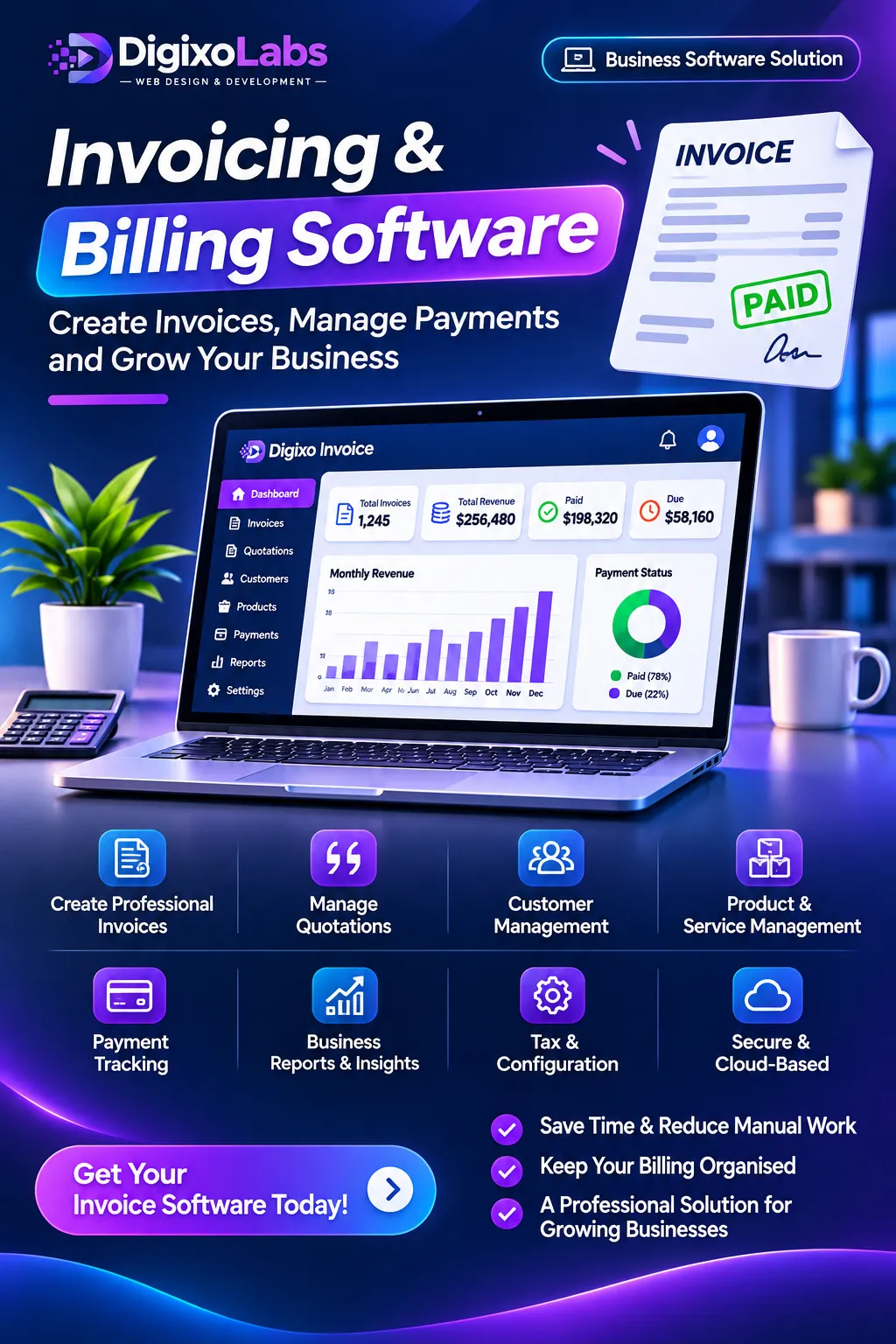
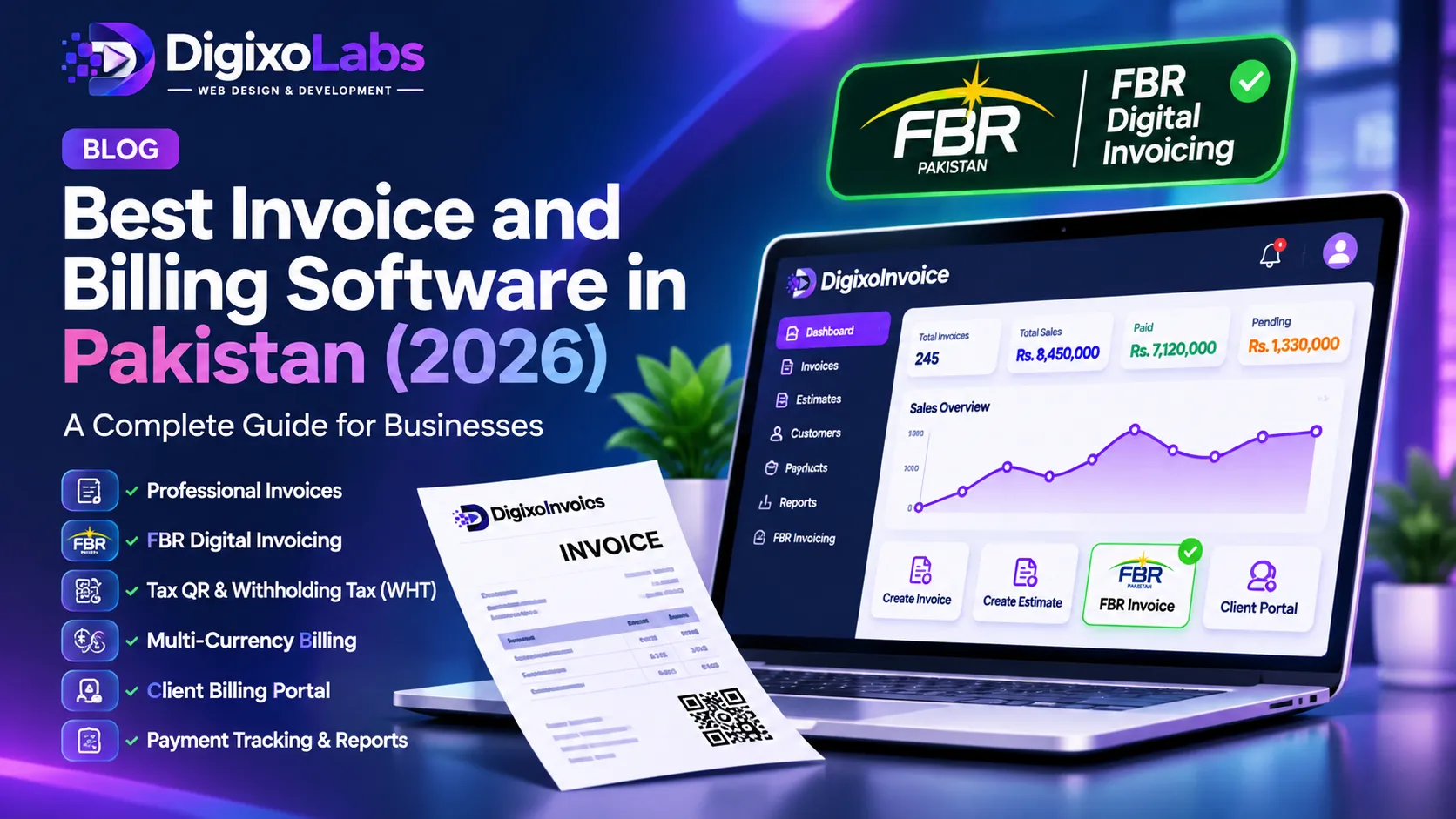
With Digixo Invoice, businesses can explore capabilities such as:
Professional invoice generation
Estimates and quotations
Customer and client management
Product and service records
Tax and withholding tax support
Multi-currency invoicing
Payment and outstanding balance tracking
Client billing portal
Business reporting
FBR-related invoicing features, subject to the applicable integration and compliance arrangements
Whether you are a freelancer, small business owner, consultant or growing company, Digixo Invoice aims to make everyday billing more organised and manageable.
Explore Digixo Invoice:
https://digixolabs.com/invoicing-billing-software
Final Thoughts
Efficient billing is an important part of running a successful business. As companies grow, manual invoicing becomes harder to manage, making digital billing solutions increasingly valuable.
Modern invoice and billing software helps businesses create professional invoices, organise customer records, track payments and improve financial visibility.
For Pakistani businesses, it is also important to consider applicable tax requirements and choose a solution with the appropriate FBR-related capabilities.
If you want to move beyond spreadsheets and manual billing, explore a cloud-based invoicing solution that supports your business needs.
Discover Digixo Invoice by Digixo Labs and take a smarter approach to business invoicing and billing.